




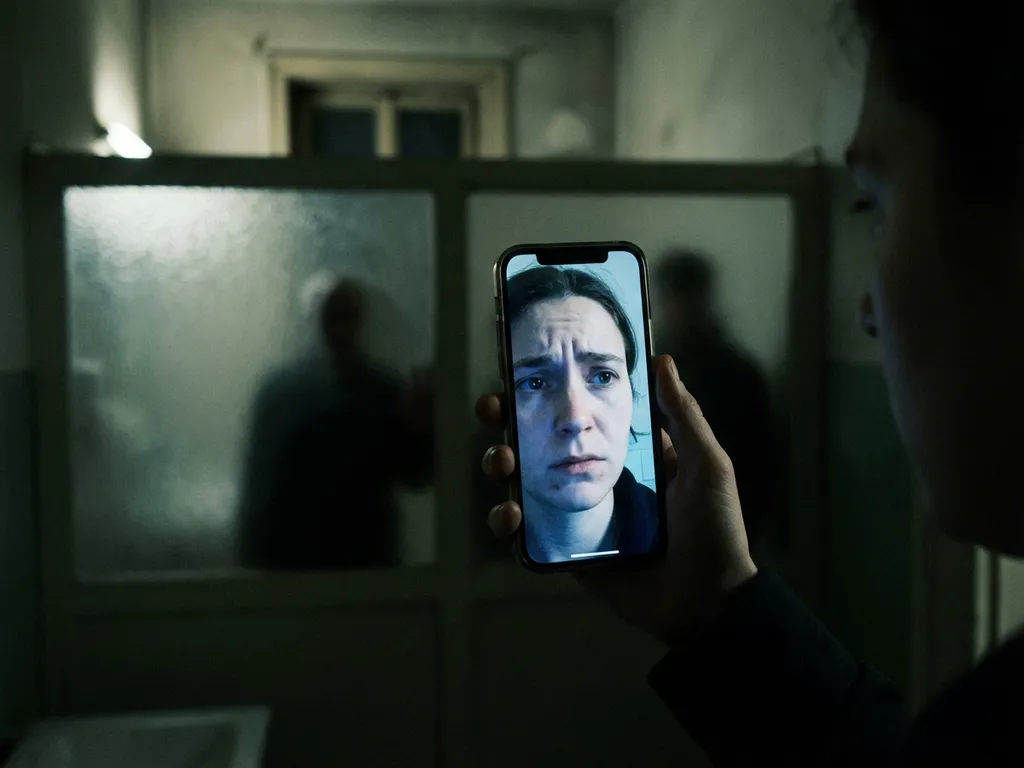
iPhone screen mirroring poses several security risks, including data interception, unauthorised access, and privacy breaches during wireless transmission. Hackers can exploit unsecured networks, create malicious hotspots, or use man-in-the-middle attacks to access your personal information. Understanding these vulnerabilities and implementing proper security measures help protect your sensitive data while you enjoy the convenience of wireless screen casting.
What security vulnerabilities exist when mirroring your iPhone screen?
iPhone screen mirroring creates multiple security vulnerabilities through wireless data transmission over Wi-Fi networks. The primary risks include data interception during transmission, unauthorised network access, and exposure of sensitive personal information displayed on your device’s screen.
Wireless screen mirroring relies on network protocols that can be compromised if proper encryption is not maintained. When your iPhone transmits screen data to display devices, this information travels through your Wi-Fi network and potentially beyond, creating opportunities for cybercriminals to intercept the data stream.
Network vulnerabilities become particularly concerning when using public Wi-Fi networks or unsecured home networks. These environments lack robust security protocols, making it easier for attackers to position themselves between your device and the receiving display. Additionally, some third-party mirroring applications may not implement adequate security measures, leaving your data transmission exposed.
The risk extends beyond the mirroring session itself. Malicious actors can potentially gain broader access to your device or network once they have exploited vulnerabilities in the mirroring connection, compromising other connected devices and stored information.
How can hackers intercept your iPhone screen mirroring connection?
Hackers primarily use man-in-the-middle attacks to intercept iPhone screen mirroring by positioning themselves between your device and the receiving display. They also exploit unsecured Wi-Fi networks and create fake hotspots that appear legitimate but capture all transmitted data.
Man-in-the-middle attacks occur when cybercriminals insert themselves into the communication path between your iPhone and the display device. They accomplish this by compromising the Wi-Fi network or using specialised software that mimics legitimate network components. Once positioned, they can monitor, record, and potentially manipulate all data flowing through the connection.
Malicious hotspot creation represents another common attack method. Hackers set up fake Wi-Fi networks with names similar to legitimate ones, such as “Free_WiFi” or names matching nearby businesses. When users connect to these networks for screen mirroring, all transmitted data passes through the attacker’s systems.
Unsecured network exploitation takes advantage of poorly configured home networks or public Wi-Fi systems. Attackers scan for networks with weak passwords, outdated encryption protocols, or default security settings. Once they gain network access, they can monitor all connected devices and intercept mirroring sessions without users’ knowledge.
What personal information gets exposed during iPhone screen mirroring?
iPhone screen mirroring exposes everything visible on your device’s screen, including notifications, passwords, and banking information, as well as personal photos, private messages, and any applications or websites you access during the mirroring session.
Notifications pose a significant privacy risk, as they appear automatically during mirroring sessions. Text messages, email previews, social media alerts, and app notifications can display your personal communications and sensitive information to anyone viewing the mirrored screen. Banking and financial app notifications can reveal account balances, transaction details, and other confidential financial data.
Password and authentication information becomes vulnerable when you log in to accounts during mirroring. Typing passwords, entering PIN codes, or using authentication apps exposes these credentials to potential interception. Even password managers and biometric authentication prompts can reveal security patterns and account access methods.
Personal photos and videos in your gallery, camera roll, or cloud storage applications become visible when accessed during mirroring sessions. Private messages from various communication apps, including WhatsApp, Telegram, and iMessage, display their full content, including conversation histories and shared media.
Web browsing activity, including visited websites, search queries, and online account access, can create a comprehensive picture of your digital behaviour and personal interests that could be exploited for identity theft or social engineering attacks.
Which iPhone screen mirroring methods are most secure?
Direct cable connections using Lightning-to-HDMI adapters provide the highest level of security for iPhone screen mirroring. Apple’s native AirPlay with Apple TV offers strong encryption and authentication protocols, while third-party wireless applications vary significantly in their security implementations.
Wired connections eliminate network-based vulnerabilities entirely by creating a direct physical link between your iPhone and the display device. Lightning-to-HDMI adapters or USB-C connections for newer models provide secure transmission without wireless interception risks. However, this method sacrifices the convenience of wireless mirroring.
Apple’s AirPlay technology implements robust security measures, including device authentication, encrypted data transmission, and secure network protocols. When used with Apple TV or AirPlay-compatible devices, it maintains high security standards through Apple’s controlled ecosystem and regular security updates.
Third-party mirroring applications offer varying levels of security depending on their development standards and encryption implementations. Established applications with regular updates and transparent privacy policies generally offer better security than unknown or rarely updated alternatives. Some applications may transmit data through external servers, creating additional security risks.
Enterprise-grade mirroring solutions designed for business environments typically implement stronger security measures, including advanced encryption, user authentication, and network access controls, making them more suitable for handling sensitive information.
How do you protect yourself while using iPhone screen mirroring?
Protect yourself during iPhone screen mirroring by using secure, private Wi-Fi networks, enabling relevant privacy settings, carefully managing app permissions, and conducting pre-mirroring security checks to ensure your connection remains protected throughout the session.
Network selection is your primary defence against security threats. Always use trusted, password-protected Wi-Fi networks with WPA3 encryption when possible. Avoid public Wi-Fi networks for mirroring sessions, and ensure your home network uses strong passwords and up-to-date security protocols. Consider using a VPN for an additional layer of protection.
Configuring privacy settings helps minimise information exposure during mirroring. Disable unnecessary notifications before starting your session, enable “Do Not Disturb” to prevent interruptions, and review which applications have permission to display notifications. Close sensitive applications and clear your recent apps to prevent accidental exposure.
Managing application permissions ensures you grant only the access necessary to mirroring applications. Review and limit permissions for network access, device information, and other sensitive data. Choose reputable iPhone mirroring apps with privacy policies and regular security updates.
Pre-mirroring security checks should include verifying the intended display device, confirming network security, logging out of sensitive accounts, and ensuring no confidential information is visible on your screen. Consider using a dedicated user profile or guest mode, if available.
What should you do if your iPhone mirroring session gets compromised?
If your iPhone mirroring session is compromised, immediately disconnect the mirroring connection, change passwords for any accounts you accessed, monitor financial and personal accounts for suspicious activity, and implement stronger security measures for future sessions.
Immediate disconnection procedures include stopping the mirroring session through your iPhone’s Control Center or the mirroring application, disconnecting from the Wi-Fi network, and turning off Wi-Fi entirely if you suspect network compromise. Force-close all applications that were active during the session, and restart your device to ensure a clean disconnect.
Password and account security measures require changing passwords for all accounts accessed during the compromised session. Enable two-factor authentication where available, review recent login activity for suspicious access attempts, and consider using a password manager to generate new, unique passwords for affected accounts.
Account monitoring involves checking bank statements, credit reports, and online account activity for unauthorised access or transactions. Set up account alerts for login attempts and financial transactions to detect future compromise attempts quickly. Monitor social media and email accounts for signs of unauthorised access.
Preventive measures for future sessions include updating your iPhone’s operating system and applications, reviewing and strengthening Wi-Fi network security, choosing more secure mirroring methods, and implementing stricter privacy controls. Consider consulting cybersecurity professionals if you suspect significant data exposure or ongoing security threats.
How AirBeamTV helps with secure iPhone screen mirroring
AirBeamTV provides a secure solution for iPhone screen mirroring by implementing advanced encryption protocols and direct device-to-device connections that minimise security vulnerabilities. Our comprehensive approach to secure mirroring includes:
- End-to-end encryption that protects your data during transmission
- Direct peer-to-peer connections that bypass potentially compromised networks
- Regular security updates and transparent privacy policies
- Compatible with multiple display devices while maintaining consistent security standards
- No data storage on external servers, keeping your information private
Experience worry-free screen mirroring with AirBeamTV’s security-focused approach that lets you enjoy seamless connectivity without compromising your personal information. Download AirBeamTV today and mirror your iPhone screen with confidence.