




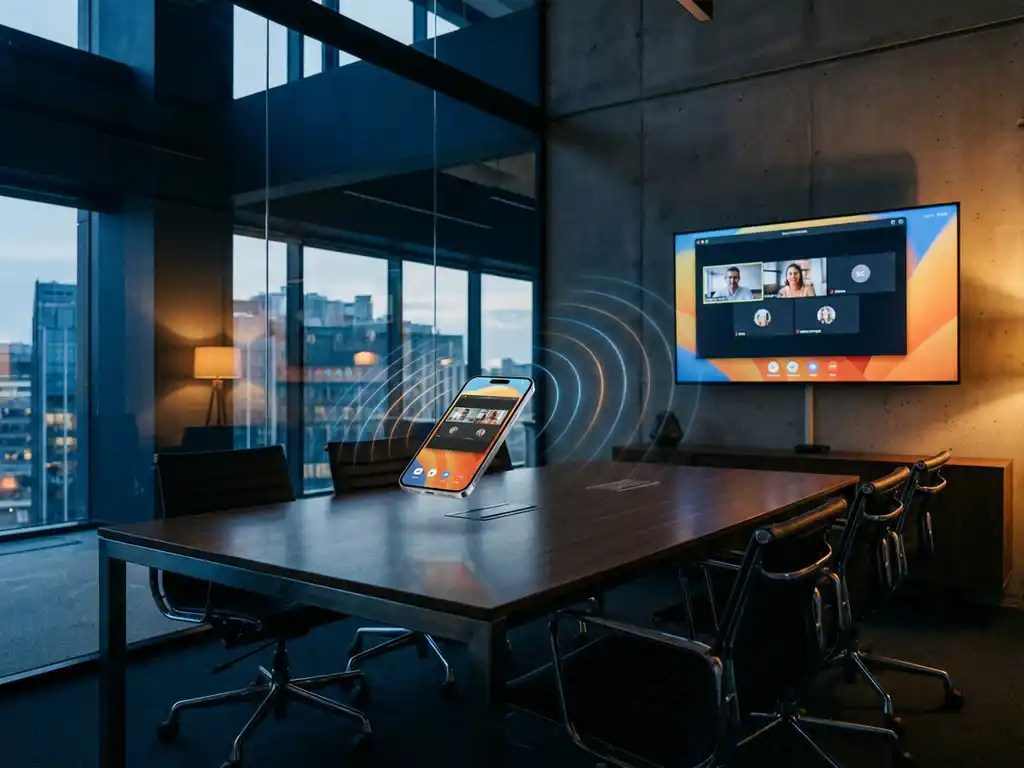
If you’re trying to use iPhone screen mirroring at work and are running into connection issues, you might be dealing with enterprise firewall restrictions. These corporate security measures can block screen mirroring apps from connecting to TVs or displays on the company network.
Understanding how enterprise firewalls work and what options you have can help you find the right solution for your workplace screen-sharing needs. Let’s explore what’s happening behind the scenes and what you can do about it.
What is an enterprise firewall, and why does it block iPhone screen mirroring?
An enterprise firewall is a security system that monitors and controls network traffic in corporate environments. It can block iPhone screen mirroring because these apps use specific network ports and protocols that many companies restrict to prevent unauthorized data sharing and maintain network security.
Enterprise firewalls work like digital security guards for company networks. They examine every piece of data trying to enter or leave the network and decide whether to allow or block it based on predetermined security rules. Screen mirroring apps typically need to communicate across the network to find and connect to TVs or displays, but this communication can trigger firewall restrictions.
Companies implement these restrictions for several important reasons. First, they want to prevent sensitive business information from being accidentally displayed on screens where unauthorized people might see it. Second, screen mirroring apps can create potential entry points for security threats if not properly managed. Finally, unrestricted screen sharing can consume significant network bandwidth, affecting overall performance for business operations.
Can you bypass enterprise firewall restrictions for iPhone screen mirroring?
You should not attempt to bypass enterprise firewall restrictions for iPhone screen mirroring, as doing so violates company security policies and could result in disciplinary action. Instead, work with your IT department to find approved solutions that meet both your presentation needs and security requirements.
Attempting to circumvent corporate security measures is typically against company policy and can have serious consequences. Even if you find technical workarounds, using them could compromise network security and put your organization at risk. Most employment agreements include clauses requiring compliance with IT security policies, making unauthorized bypass attempts a potential violation of your work contract.
The better approach is to understand that these restrictions exist for legitimate security reasons. Your IT team has implemented these measures to protect company data, maintain network stability, and comply with industry regulations. Rather than working around these safeguards, focus on finding approved alternatives that accomplish your goals while respecting security boundaries.
How do enterprise firewalls detect and block screen mirroring apps?
Enterprise firewalls detect screen mirroring apps by monitoring network traffic patterns, specific port usage, and application signatures. They block these apps by restricting access to the network ports and protocols that screen mirroring requires to discover and connect to display devices.
The detection process involves several sophisticated methods. Firewalls analyze network packets to identify the unique communication patterns that screen mirroring apps use. These apps typically broadcast discovery messages to find nearby TVs and displays, creating recognizable traffic signatures that security systems can flag.
Port blocking is another common detection method. Screen mirroring apps often use specific network ports to establish connections with display devices. Enterprise firewalls maintain lists of restricted ports and automatically block traffic attempting to use them. Additionally, many corporate networks use deep packet inspection to examine the actual content of network communications, not just the ports being used.
Some advanced firewall systems also maintain databases of known application signatures. When you try to use a screen mirroring app, the firewall can identify it based on its unique network behavior and block it according to company policy, even if it’s trying to use alternative ports or protocols.
What are the approved alternatives for screen sharing in corporate environments?
Approved alternatives for corporate screen sharing typically include Microsoft Teams, Zoom, Webex, and dedicated presentation systems like Chromecast for Business or Apple TV configured for enterprise use. These solutions are pre-approved by IT departments and include security features that meet corporate standards.
Video conferencing platforms like Microsoft Teams and Zoom offer robust screen sharing capabilities that work within corporate security frameworks. These platforms are designed with enterprise security in mind, including features like encrypted connections, administrative controls, and audit trails. Your IT department likely has these tools already configured and approved for business use.
Many companies also invest in dedicated presentation hardware that’s been specifically configured for corporate environments. This might include enterprise-grade wireless display adapters, conference room systems, or smart TVs with approved casting capabilities. These solutions are managed by your IT team and designed to work seamlessly within existing security policies.
For iPhone users specifically, some organizations approve AirPlay when used with properly configured Apple TV devices that are managed through enterprise mobile device management systems. This provides the wireless convenience of mirroring your screen while maintaining the security controls that corporate environments require.
How can you request iPhone screen mirroring access from your IT department?
To request iPhone screen mirroring access, submit a formal request to your IT department explaining your business need, proposed use case, and any security considerations. Include details about which devices and locations you need access for, and be prepared to discuss alternative approved solutions.
Start by documenting your specific business requirements. Explain exactly what you need to accomplish, such as presenting to clients, sharing content in meetings, or demonstrating mobile apps. Be clear about the frequency of use and whether this is a one-time need or an ongoing requirement. The more specific you can be about your business case, the better your IT team can evaluate the request.
Your request should also address security considerations proactively. Acknowledge that you understand the importance of network security and ask about approved alternatives that might meet your needs. This shows that you’re thinking about the broader implications and are willing to work within established security frameworks.
Be prepared for your IT team to suggest alternative solutions rather than simply enabling consumer screen mirroring apps. They might offer access to enterprise-approved tools, help you set up a dedicated presentation device, or provide training on existing approved systems. If you need additional support or have questions about different mirroring solutions, you can also explore the knowledge base for more information or contact support for guidance. For managing connected display devices, a universal remote control TV app can also be a practical addition to your toolkit. Remember that their goal is to help you accomplish your work objectives while maintaining security standards that protect the entire organization.