



A universal TV remote app is generally reliable for everyday use, but it works differently from a physical remote and comes with its own strengths and limitations. Instead of infrared signals, most remote apps communicate over your home Wi-Fi network, which means performance depends on your connection quality. This article walks through how these apps work, where they can fall short, and when they genuinely beat a physical remote.
How does a universal TV remote app actually control your TV?
A universal TV remote app controls your TV by sending commands over your Wi-Fi network rather than using infrared light. Your phone and TV connect to the same network, and the app communicates directly with your TV’s built-in software. This means no line-of-sight is required — you can control your TV from another room, behind a wall, or without pointing your phone at the screen.
Most smart TVs from brands like Samsung, LG, Sony, and TCL support this kind of network-based control out of the box. The app identifies your TV model, pairs with it, and then sends commands just like a physical remote would — volume up, channel changes, source selection, and so on. Some apps also add features that physical remotes simply cannot offer, like a touchpad, a full keyboard for typing search queries, or haptic feedback that confirms each button press.
The key requirement is that both devices share the same Wi-Fi network. Once that connection is established, setup takes seconds, and no codes or hardware are needed.
What are the most common reliability problems with TV remote apps?
The most common reliability problems with TV remote apps are Wi-Fi dependency, connection drops, and occasional lag. Because these apps rely on your home network rather than a direct signal, anything that disrupts your Wi-Fi can disrupt the remote. A crowded network, a router that needs restarting, or a TV that has gone into a low-power sleep mode can all cause the app to lose its connection temporarily.
Other issues users run into include:
- Lag on slow networks: Commands can take a fraction of a second longer to register compared to a physical remote pressing a button instantly.
- App needing to re-pair: If your TV’s IP address changes (which can happen after a router restart), the app may need to rediscover the TV before it works again.
- Compatibility gaps: Not every feature works on every TV model. Basic functions like volume and power usually work universally, but advanced menu navigation can vary.
- Phone battery drain: Running a remote app adds a small but real load to your phone’s battery over long sessions.
Most of these problems are minor and easy to work around. Keeping your Wi-Fi router in good shape and making sure your TV stays on the same network resolves the majority of connection issues.
How does a remote app compare to a physical remote for everyday use?
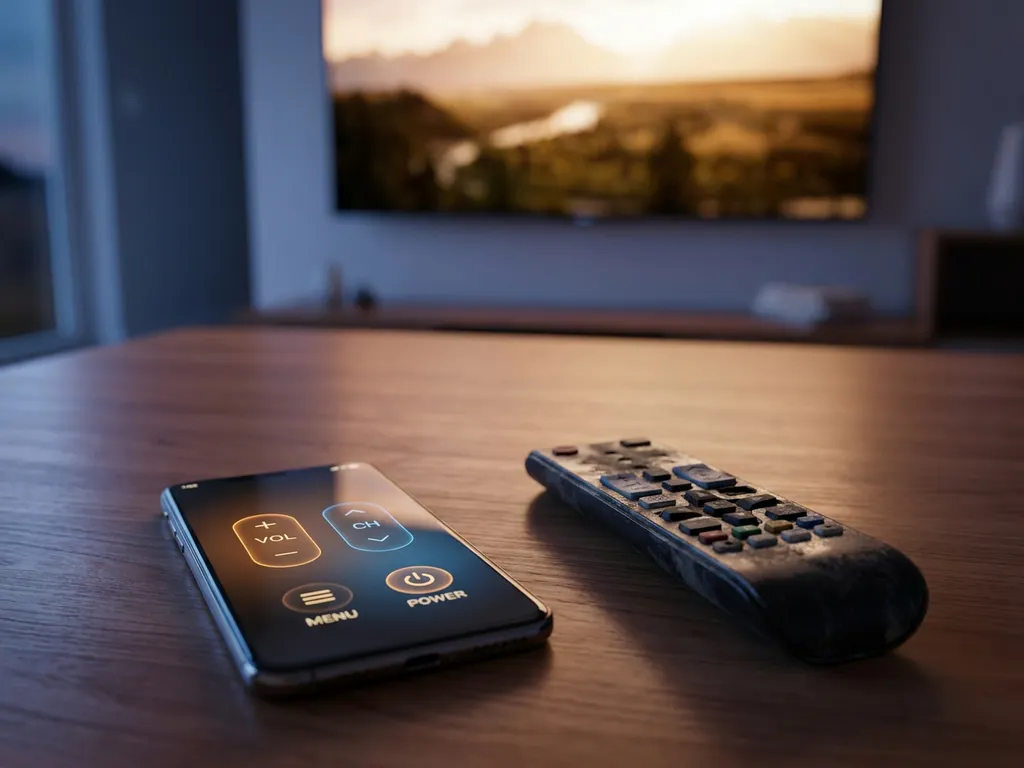
For everyday use, a physical remote is slightly faster and more tactile, while a remote app offers more flexibility and extra features. A physical remote responds instantly because it uses infrared, requires no network, and never needs to reconnect. You can also operate it without looking at it, which is something most people do without thinking.
A remote app, on the other hand, gives you a full keyboard for smart TV searches, a touchpad for navigation, and the ability to control your TV from anywhere in your home. You also never have to hunt for it between sofa cushions or replace batteries.
For straightforward tasks like adjusting volume or changing input, both options perform equally well. Where the app genuinely pulls ahead is when you need to type a search query, manage multiple devices from one place, or use your TV from a different room. Where the physical remote wins is reliability in situations where Wi-Fi is unavailable or your phone battery is low.
Which TV brands work best with universal remote apps?
The TV brands that work best with universal remote apps are Samsung, LG, Sony, TCL, Roku, and Amazon Fire TV. These brands have well-documented network protocols and strong app support, which means remote apps can connect to them reliably and access a wide range of functions. Hisense, Philips, and Panasonic also have solid compatibility with most major remote apps.
Older or lesser-known TV brands can be hit or miss. If your TV does not have built-in Wi-Fi or smart TV software, a network-based remote app will not work with it at all. In that case, you would need a physical remote or a separate device like a Fire TV Stick or Roku plugged into the TV.
As a general rule, if your TV was manufactured after 2018 and connects to your home Wi-Fi, there is a strong chance a universal remote app will work well with it.
When should you use a remote app instead of a physical remote?
You should use a remote app instead of a physical remote when you need to type on your TV, control multiple devices from one app, or your physical remote is lost or broken. Remote apps are also the better choice when you want to control your TV from another room or share remote access with someone else in your household without handing over the physical device.
Practical situations where a remote app beats a physical remote include:
- Searching for content on Netflix, YouTube, or your TV’s app store — typing on a phone keyboard is far faster than navigating an on-screen keyboard with arrow buttons
- Managing a home theater setup where you have a TV, a streaming device, and a soundbar to control
- Households where the physical remote regularly goes missing
- Situations where the physical remote is damaged or out of battery
A physical remote still makes more sense when you want instant, zero-setup control or when your Wi-Fi is down. Many people end up using both — the physical remote for quick, habitual actions and the app when they need its extra capabilities.
How AirBeamTV Helps with TV Remote Control
Our AirBeamTV Universal TV Remote App turns your iPhone, iPad, or Android device into a full remote control for your smart TV and streaming devices — with no extra hardware, no setup codes, and no complicated pairing process.
Here is what you get with the app:
- One app for all your devices: Control Samsung, LG, TCL, Sony, Roku, Amazon Fire TV, and more from a single interface
- Touchpad and full keyboard: Navigate menus smoothly and type searches without the frustration of on-screen keyboards
- Full remote functions: Volume control, channel switching, source selection, mute, and power — everything your physical remote does
- Haptic feedback: Each button press confirms instantly, so you always know the command went through
- Simple setup: Connect your phone and TV to the same Wi-Fi network, select your TV model, and you are in control within seconds
It is designed to be easy for anyone to use, whether you are replacing a lost remote or just want a smarter way to control your home entertainment setup. Download the AirBeamTV Universal TV Remote App and take control today.