



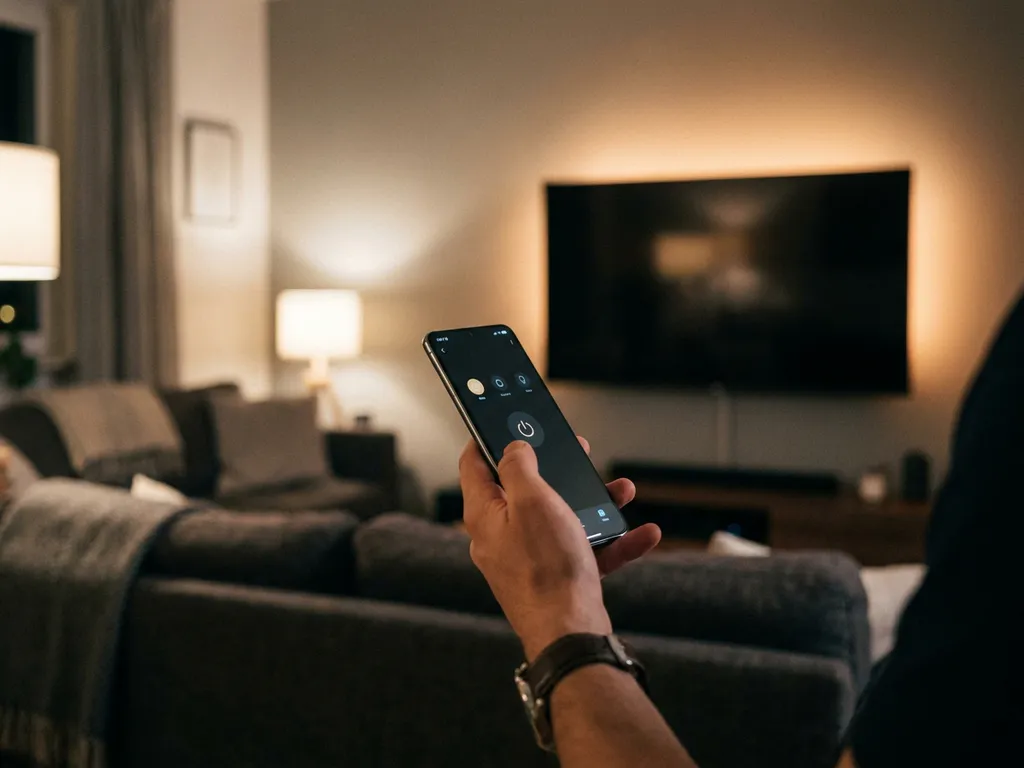
To mute your TV using a universal TV remote app, open the app on your phone, make sure your phone and TV are connected to the same Wi-Fi network, and tap the mute button on the app’s remote interface. The mute function works just like a physical remote — one tap silences the audio, and another tap brings it back.
Most modern universal TV remote apps support muting as a standard feature, so if your TV is a popular smart TV brand, you’re very likely covered. Below, we answer the most common questions people have about using a universal TV remote app to mute their TV.
What does a universal TV remote app actually control?
A universal TV remote app controls the same functions as your physical TV remote, all from your smartphone or tablet. That includes power, volume, muting, channel switching, input source selection, and navigation through your TV’s menus. Many apps also add extras like a touchpad, keyboard input, and support for streaming devices alongside your TV.
The “universal” part means the app is designed to work with multiple TV brands rather than just one. Instead of downloading a separate app for your Samsung in the living room and your LG in the bedroom, a universal remote app handles both from a single interface.
Beyond basic TV controls, many universal remote apps also support popular streaming devices like Roku and Amazon Fire TV. This makes them genuinely useful for households with a mix of devices, since you can manage everything from one place without hunting for three different remotes.
How does the mute function work in a TV remote app?
The mute function in a TV remote app works by sending a command over your Wi-Fi network to your TV, replicating the signal your physical remote would send via infrared. When you tap the mute button in the app, the TV receives the command and toggles its audio on or off, exactly as it would if you pressed the mute button on your original remote.
This Wi-Fi-based communication is what makes the whole thing possible without any cables or hardware dongles. Your phone and TV simply need to be on the same network, and the app handles the rest. Some apps also use haptic feedback to confirm that your tap registered, which is a small but genuinely helpful touch when you’re trying to mute quickly during an ad break.
One thing worth knowing: because the app communicates over Wi-Fi rather than infrared, you don’t need to point your phone at the TV. You can mute from another room, from the kitchen, or with your phone face-down on the sofa, as long as you’re connected to the same Wi-Fi network.
Which TV brands support muting through a remote app?
Most major smart TV brands support muting through a universal TV remote app, including Samsung, LG, Sony, TCL, Hisense, Philips, and Panasonic. If your TV is a smart TV released in the last several years and connects to Wi-Fi, there’s a strong chance a universal remote app can control it, including the mute function.
Here’s a quick overview of commonly supported brands and their compatibility:
- Samsung: Broad support across most smart TV models
- LG: Supported on WebOS-based models
- Sony: Compatible with Android TV and Google TV models
- TCL: Supported, particularly Roku TV and Android TV variants
- Hisense: Good compatibility across smart TV ranges
- Philips: Supported on Android TV models
- Roku devices: Supported as standalone streaming devices
- Amazon Fire TV: Supported through dedicated or universal apps
Older non-smart TVs or very budget models without Wi-Fi may not be compatible, since they can’t receive commands over a network. In those cases, you’d need a physical infrared blaster, which most smartphones no longer include.
Why won’t the mute button work in my TV remote app?
The most common reason the mute button won’t work in a TV remote app is a connection issue between your phone and TV. If they’re not on the same Wi-Fi network, or if the TV’s network connection has dropped, the app can’t send the mute command. Reconnecting both devices to the same network usually resolves this immediately.
Other reasons the mute function might not respond include:
- Wrong TV model selected: If you chose the wrong brand or model during setup, the commands won’t match your TV’s protocol
- App needs updating: An outdated app version may have bugs affecting specific buttons like mute
- TV firmware update needed: Some TVs require their own software to be current to accept remote commands correctly
- Network interference: A congested or unstable Wi-Fi connection can cause commands to drop
- TV is in standby mode: Some TVs in deep standby don’t respond to network commands until powered on
If none of these fix it, try closing and reopening the app, or deleting and re-adding your TV in the app’s settings. Most connection issues resolve with a quick reconnect rather than any complicated troubleshooting.
What’s the best universal TV remote app for muting your TV?
The best universal TV remote app for muting your TV is one that supports your specific TV brand, connects reliably over Wi-Fi, and has a clear, easy-to-find mute button in its interface. Reliability and broad brand compatibility matter more than extra features when your main goal is basic remote control functions like muting.
How AirBeamTV Helps You Control Your TV
Our AirBeamTV Universal TV Remote App turns your iPhone, iPad, or Android device into a full remote control for your TV and streaming devices. No extra hardware, no setup codes, and no complicated pairing process. Just connect your phone and TV to the same Wi-Fi network, select your TV model, and you’re in control.
Here’s what you get with the AirBeamTV Universal TV Remote App:
- Mute and full volume control — tap once to silence, tap again to restore sound
- Support for all major TV brands — Samsung, LG, Sony, TCL, Hisense, Philips, and more
- Streaming device control — works with Roku and Amazon Fire TV alongside your smart TV
- Touchpad and keyboard input — makes navigating menus and typing on your TV much easier
- Haptic feedback — confirms every tap so you know your command went through
- Simple setup — no codes to enter, no hardware to buy, works for users of any age
Whether you want to mute during an ad, switch inputs, or browse your TV’s menu without getting off the sofa, the app handles it all from your phone. Download the AirBeamTV Universal TV Remote App and start controlling your TV in minutes.