



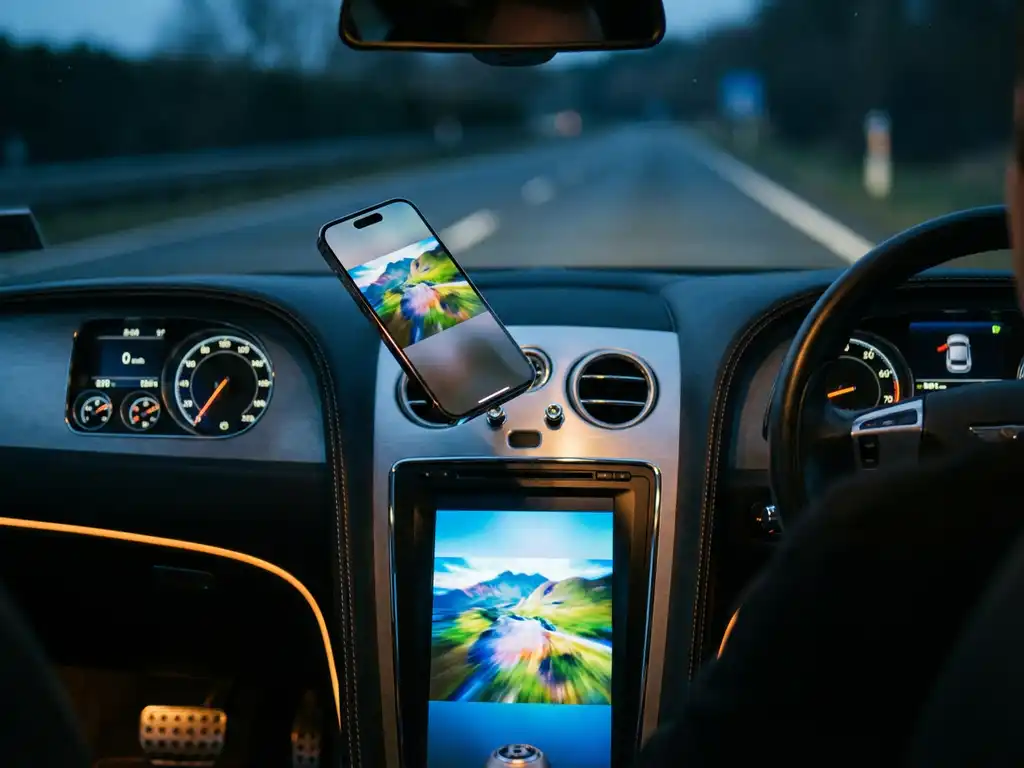
Many iPhone users wonder whether they can mirror their device’s screen to their car’s infotainment system without cables or complicated setups. While traditional screen-mirroring apps like AirBeamTV work perfectly for home TVs, the automotive environment presents unique challenges and opportunities for wireless connectivity.
Understanding your options for iPhone screen mirroring in vehicles helps you make the most of your drive time, whether you want to share navigation, entertainment, or other apps on your car’s larger display.
Can you wirelessly mirror an iPhone screen to car entertainment systems?
Yes, you can wirelessly mirror your iPhone screen to many modern car entertainment systems, but the method depends on your vehicle’s capabilities. Most newer cars support wireless CarPlay, which provides a screen-mirroring-like experience, while older vehicles may require aftermarket solutions or adapters.
The key requirement is that your car’s infotainment system must support wireless connectivity protocols. Many vehicles from 2016 onward include built-in wireless CarPlay support, which automatically displays select iPhone apps and interfaces on your car’s screen. This creates a seamless connection between your phone and your vehicle’s infotainment system.
For cars without built-in wireless capabilities, aftermarket head units and wireless CarPlay adapters can add this functionality. These solutions typically plug into your car’s USB port and create a wireless bridge between your iPhone and the car’s display system. The setup process usually involves pairing your phone once, after which the connection happens automatically when you start your car.
What’s the difference between CarPlay and iPhone screen mirroring?
CarPlay is a specialized interface designed specifically for driving, while traditional iPhone screen mirroring displays your entire phone screen exactly as it appears on your device. CarPlay shows only approved, driving-safe apps in a simplified interface, whereas screen mirroring shows everything on your iPhone.
CarPlay transforms your iPhone’s interface into a car-friendly version that emphasizes large buttons, voice control, and essential functions like navigation, music, and messaging. The system filters out potentially distracting apps and presents information in a format optimized for quick glances while driving. Apps like Maps, Music, Messages, and Phone appear with enlarged icons and simplified controls.
Traditional screen mirroring, like what AirBeamTV provides for home TVs, displays your complete iPhone interface, including all apps, notifications, and on-screen content. This approach works well for stationary viewing but isn’t designed for the safety requirements of automotive use. Most car manufacturers implement CarPlay instead of full screen mirroring to maintain driver focus and comply with safety regulations.
How does wireless CarPlay work in cars?
Wireless CarPlay uses Wi-Fi and Bluetooth connections to communicate between your iPhone and your car’s infotainment system. Your phone first connects via Bluetooth for initial pairing, then switches to a dedicated Wi-Fi network created by your car for data transfer and screen projection.
The connection process begins when you start your vehicle. Your car’s system broadcasts a Bluetooth signal that your previously paired iPhone recognizes automatically. Once the initial Bluetooth handshake occurs, your car creates a private Wi-Fi network specifically for CarPlay communication. Your iPhone joins this network and begins transmitting app data and interface information to your car’s display.
This dual-connection approach ensures reliable performance. Bluetooth handles the initial connection and basic controls, while Wi-Fi carries the heavier data load required for screen content, navigation maps, and audio streaming. The system maintains this connection throughout your drive, automatically reconnecting each time you start your car with your paired iPhone nearby.
The wireless connection typically has a range of about 30 feet, though most cars maintain connectivity as long as your phone remains inside the vehicle. Battery usage on your iPhone increases during wireless CarPlay use, so many drivers still prefer to plug in their phone in order to charge it while enjoying the convenience of a wireless connection.
What are the alternatives for wireless iPhone screen casting in vehicles?
Several alternatives exist for wireless iPhone screen casting in vehicles, including aftermarket wireless CarPlay adapters, dedicated streaming devices, and portable wireless display solutions. These options range from simple plug-and-play adapters to more comprehensive entertainment system upgrades.
Wireless CarPlay adapters are the most popular solution for older vehicles. These devices plug into your car’s existing wired CarPlay USB port and add wireless connectivity. Popular models include the CarlinKit adapter and AAWireless, which typically cost between $100 and $200 and work with most vehicles that already support wired CarPlay.
Portable wireless display devices offer another approach, though they’re less integrated with your car’s systems. These solutions work similarly to home screen-mirroring apps for iPhone, creating a Wi-Fi connection between your iPhone and a separate display device. However, they require additional screens or displays in your vehicle and may not integrate with your car’s audio system.
For vehicles without any CarPlay support, replacing the head unit provides the most comprehensive solution. Companies like Pioneer, Kenwood, and Alpine offer wireless CarPlay-enabled head units that completely replace your car’s original entertainment system. While more expensive and complex to install, these units provide full wireless iPhone integration along with other modern features like backup camera support and enhanced audio processing.