




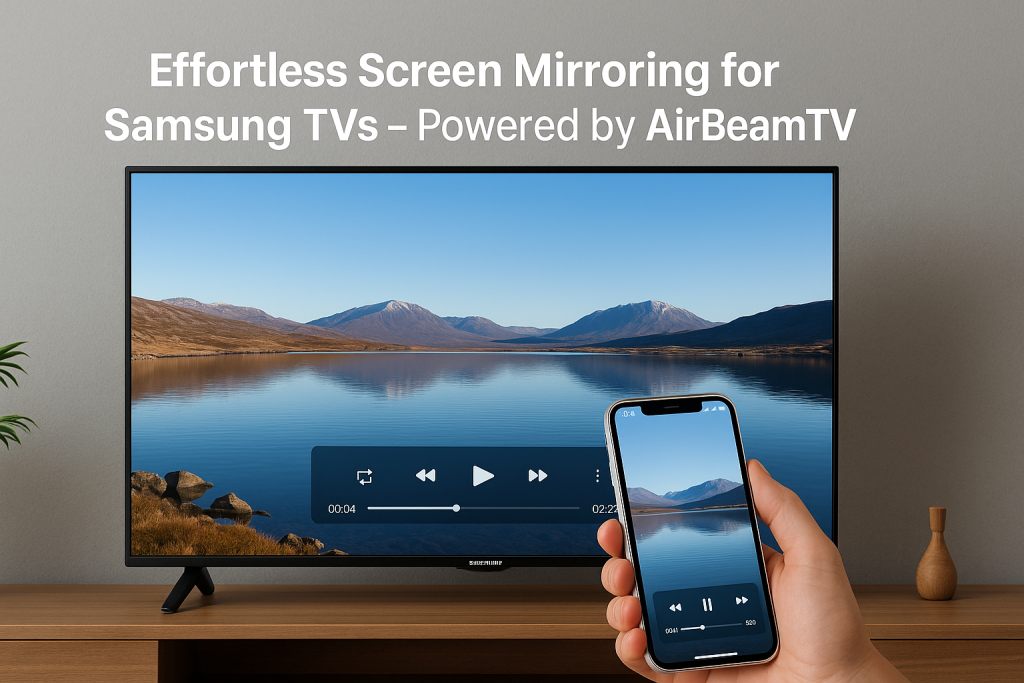
If you’ve ever tried to mirror your phone or laptop to a Samsung Smart TV, you probably know the struggle — lagging visuals, delayed audio, or worse, random disconnections. You set everything up, only for your Wi-Fi to drop mid-movie or your presentation to freeze on a black screen.
That’s why apps like AirBeamTV are changing the game. This app lets you mirror your iPhone, iPad, Mac, or laptop to your Samsung TV — completely wirelessly and without any complicated hardware setup. What makes it stand out is its ability to maintain a consistent connection, ensuring smooth streaming and zero interruptions.
Let’s explore how the AirBeamTV app works, why it’s one of the best tools for Samsung TV screen mirroring, and how it helps you enjoy an effortless viewing experience.
What Is Samsung TV Screen Mirroring?
Screen mirroring allows you to display your device’s screen on your Samsung Smart TV — in real time. Whether it’s a video, a slideshow, or a browser window, what you see on your device instantly appears on your TV screen.
Traditionally, users relied on HDMI cables or hardware dongles like Chromecast or Apple TV for this. But as wireless technology advanced, software solutions like AirBeamTV emerged — offering a simpler, smarter way to mirror your screen without cluttering your space with cables or adapters.
If you often use your Samsung Smart TV, you might also love our Samsung TV Remote app (iOS Only) — a powerful companion that lets you control your TV directly from your iPhone, iPad, or Mac. Together with AirBeamTV’s mirroring technology, it gives you complete control over your viewing experience.
Introducing AirBeamTV — Seamless Mirroring for Samsung TVs
AirBeamTV is a top-rated app trusted by millions of users worldwide for wireless screen mirroring. It’s designed to connect your device directly to your Samsung Smart TV, allowing you to cast or mirror your content in real time.
You can mirror everything from:
- Your favorite Netflix or YouTube videos*
- Photos and slideshows
- Business presentations and web apps
- Fitness classes and online tutorials
- Social media content or video calls
(*Note: Some apps with DRM protection may limit direct casting, but AirBeamTV provides helpful guides for alternatives.)
Unlike many free mirroring tools that rely on unstable web-based links or complex network setups, AirBeamTV uses a dedicated native streaming protocol. This ensures high-quality performance and minimal delay — even over standard home Wi-Fi networks.
How AirBeamTV Maintains a Consistent, Stable Connection
One of the biggest pain points in wireless mirroring is maintaining a stable connection. A single Wi-Fi fluctuation can cause buffering, pixelation, or complete disconnection.
AirBeamTV tackles this challenge with its Adaptive Streaming Technology — a system that automatically optimizes performance based on your current Wi-Fi conditions.
Here’s how it works:
- Dynamic Quality Adjustment: If your Wi-Fi signal dips, the app reduces the bitrate slightly to maintain smooth playback, instead of freezing the screen.
- Real-Time Connection Recovery: Lost connection? AirBeamTV automatically reconnects without restarting the session.
- Optimized Audio Sync: It uses latency correction to ensure your sound and visuals stay perfectly in sync.
This smart approach means you can stream for hours — movies, live sports, video calls — without worrying about interruptions.
Why AirBeamTV Is the Best App for Samsung TV Screen Mirroring
Let’s break down what makes AirBeamTV a favorite among users:
1. Completely Wireless Setup
No HDMI cables, no Apple TV box, no extra adapters. Simply download the app on your device, connect to the same Wi-Fi network as your Samsung TV, and tap to start mirroring.
2. Cast Across Devices
Whether you’re using an iPhone, iPad, MacBook, or even a laptop, AirBeamTV supports it all. It’s compatible with almost every Samsung Smart TV model released in recent years.
3. High-Quality, Low-Latency Mirroring (Stream Without Delay)
Expect crystal-clear resolution and near-zero delay — ideal for watching videos, playing casual games, or hosting virtual events.
4. Smart Bandwidth Optimization With Advances Wireless Display Technology
AirBeamTV automatically balances performance to avoid overloading your Wi-Fi. The result? Consistent streaming quality without drops or pixelation.
5. Privacy-Focused Connection
No data is stored or shared through external servers. The connection happens locally within your home network, keeping your content private and secure.
Use Cases — How AirBeamTV Makes Screen Mirroring Easier
AirBeamTV isn’t just a tool — it’s an enabler for everyday convenience and creativity.
- For Entertainment: Enjoy your favorite series or movies on the big screen without needing cables or smart dongles.
- For Work: Mirror slides, dashboards, or demo screens during meetings directly onto the conference room TV.
- For Fitness and Learning: Follow YouTube workouts or online classes comfortably from your couch.
- For Family Moments: Share vacation photos and videos instantly on the TV during gatherings.
The possibilities are endless — and the app’s stability ensures your mirroring experience stays smooth every time.
Setting Up AirBeamTV on Your Samsung Smart TV Seamlessly
Getting started takes less than a minute:
- Download the AirBeamTV app from the App Store or Mac App Store.
- Make sure your Samsung Smart TV and your device are connected to the same Wi-Fi network.
- Open the app and select your Samsung TV from the list of available devices.
- Tap “Start Mirroring” — and you’re good to go.
No cables, no pairing codes — just instant, wireless connectivity.
Experience True Wireless Freedom
The magic of AirBeamTV for Samsung TV lies in its simplicity and reliability. You can trust it to deliver stable, high-quality screen mirroring that adapts to your network in real time.
Whether you’re streaming, working, or just showing off your latest vacation video — you’ll experience a connection that’s fast, consistent, and uninterrupted.
So if you’re tired of unstable connections and messy cables, it’s time to upgrade your setup.
👉 Download AirBeamTV today and experience the smartest, most stable way to mirror your screen to your Samsung TV — wirelessly and effortlessly.