


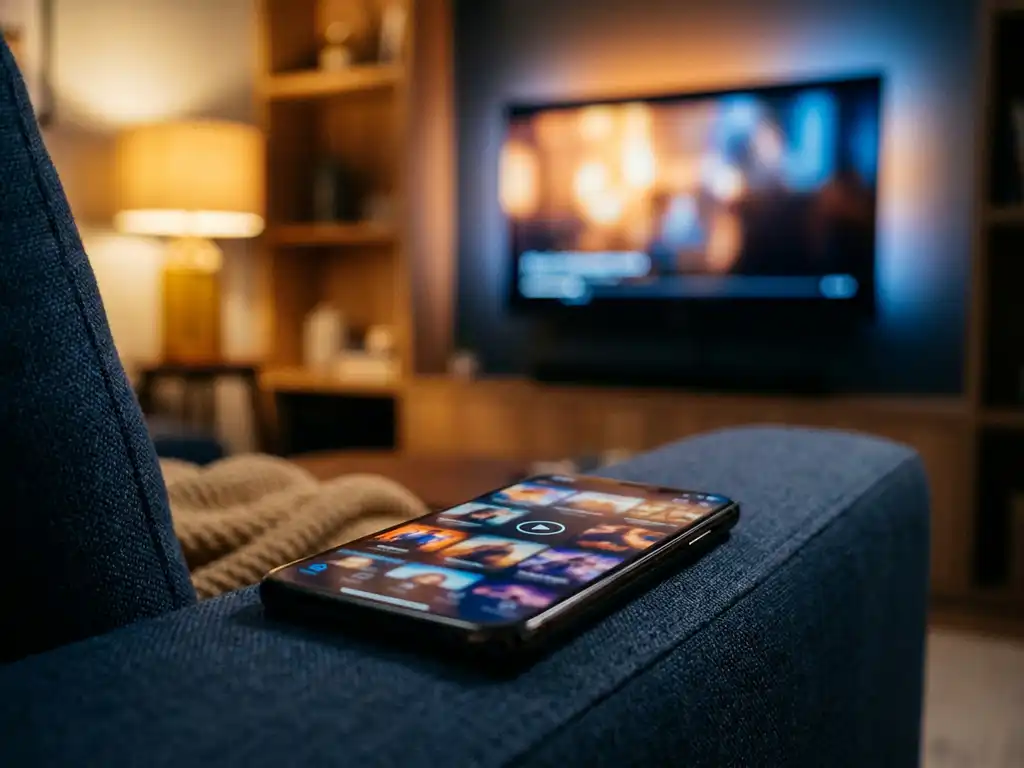
Yes, downloading a universal TV remote app is worth it in 2026 — especially if you are tired of hunting for lost remotes, juggling multiple controllers, or dealing with a TV remote that has stopped working. These apps turn your smartphone into a full-featured remote control, and most of them take less than a minute to set up. Below, we answer the most common questions people have before downloading one.
What can a universal TV remote app actually do?
A universal TV remote app lets you control your TV and streaming devices directly from your smartphone. You get all the standard functions you would expect from a physical remote: volume control, channel switching, source selection, mute, and navigation. Many apps also add touchpad input and a keyboard, which makes searching for content far faster than using a traditional remote.
Beyond the basics, a good universal remote app brings everything into one place. Instead of switching between three different remotes for your TV, soundbar, and streaming stick, you manage all of them from a single screen. Some apps also support haptic feedback, so your phone vibrates slightly when you press a button — giving you the same tactile confirmation you get from a physical remote.
Do smart TVs already have a built-in remote app?
Many smart TV brands do offer their own official remote apps. Samsung has SmartThings, LG has ThinQ, and Roku has its own companion app. These work well if you only own one TV from that brand, but they become limiting quickly. Each app only controls its own ecosystem, which means you still end up with multiple apps if you have a mix of devices at home.
A universal TV remote app solves that problem by supporting multiple brands and streaming devices in a single interface. It also tends to be more reliable for households where people share a TV but use different phones, since you are not locked into one manufacturer’s app.
Which devices work with a universal TV remote app?
Most universal TV remote apps work with any smartphone — both Android and iPhone — and support a wide range of smart TVs and streaming devices. On the TV side, you can typically control brands like Samsung, LG, Sony, TCL, Hisense, and Philips. On the streaming side, popular devices like Roku and Amazon Fire TV are usually supported as well.
The main requirement is that your phone and your TV are connected to the same Wi-Fi network. No Bluetooth pairing, no setup codes, and no extra hardware needed. As long as both devices are on the same network, the app can find your TV automatically, and you are ready to go.
Are universal TV remote apps free or do they cost money?
Many universal TV remote apps offer a free version with basic functionality, while more advanced features — like multi-device control, keyboard input, or touchpad mode — are often part of a paid upgrade or subscription. The pricing is generally modest, and for most people, even the free tier covers everyday use comfortably.
It is worth reading what the free version actually includes before downloading, since some apps limit the number of devices you can connect or restrict certain control modes. A small one-time payment or low-cost subscription is usually fair value if the app saves you from buying a replacement remote or a universal hardware remote, which can cost significantly more.
What’s the difference between a remote app and a screen mirroring app?
A remote app controls your TV — it replaces the physical remote and lets you navigate menus, adjust volume, and switch inputs. A screen mirroring app does something different: it sends whatever is on your phone or computer screen directly to the TV, so you can watch content, share photos, or run presentations on the big screen.
They solve different problems. If you want to control what is already playing on your TV, you need a remote app. If you want to display something from your phone or laptop on the TV, you need a screen mirroring app. Some people use both, depending on what they are trying to do.
Should you download a universal TV remote app in 2026?
If you own a smart TV and a smartphone, downloading a universal TV remote app makes sense. It costs nothing to try, takes seconds to set up, and immediately removes the frustration of lost or broken remotes. The convenience alone is worth it for most households, and the added features — touchpad, keyboard, multi-device support — make it genuinely more useful than a physical remote in many situations.
The only case where it might not be necessary is if you only own one TV from a major brand and are happy using that brand’s official app. But if you have multiple devices, a mix of brands, or simply want one clean solution, a universal remote app is the practical choice in 2026.
How AirBeamTV Helps with Universal TV Remote Control
We built the AirBeamTV Universal TV Remote App to make TV control as simple as possible — no extra hardware, no complicated setup, no stack of remotes on your coffee table. Here is what you get:
- One app for all your devices: Control Samsung, LG, Sony, TCL, Roku, Amazon Fire TV, and more from a single interface
- Full remote functionality: Volume, channel switching, source selection, mute, and navigation — everything your physical remote does, and more
- Touchpad and keyboard input: Searching for content is far faster when you can type on your phone instead of scrolling through an on-screen keyboard letter by letter
- Haptic feedback: Your phone confirms every button press with a subtle vibration, so it feels just like a real remote
- Works on iPhone, iPad, and Android: Whatever phone you use, the app is available for you
- No setup codes or hardware required: Just connect your phone and TV to the same Wi-Fi network, select your TV model, and start controlling immediately
It is designed to be easy for anyone to use — whether you are setting it up for yourself or for someone less comfortable with technology. Download the AirBeamTV Universal TV Remote App today and turn your phone into the only remote you need.