




TL;DR:
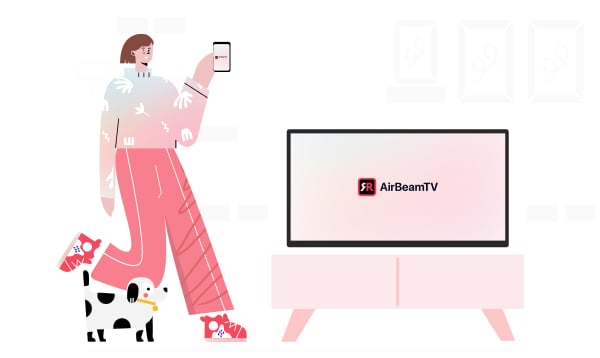
Screen Mirroring, PC, Desk is the easiest way to mirror your Android phone to any computer or device with a Chrome browser — no cables, dongles, or apps on your PC required. Cast videos, photos, and apps in real time, control playback and volume, and enjoy a bigger, clearer view of your Android screen. Works instantly with Chrome on Mac, Windows, and laptops over Wi-F
Screen Mirroring To PC
Tired of squinting at your phone screen? Say hello to Screen Mirroring, PC, Desk, the simplest way to cast your Android phone to any device with a Chrome browser — no extra hardware or cables needed!
Whether you’re showing off vacation photos, watching videos with friends, or just want to avoid eyestrain, this app makes it seamless. Android, a sleek new app that transforms your Android phone into a powerful remote control.

Whether you’re navigating menus, adjusting volume, or just don’t want to get up, this app makes your Android device the smartest remote in the room.
Now Available for Pre-Registration!
Be the first to experience effortless Android screen mirroring to your Mac or PC. Pre-register today on the Google Play Store and get notified the moment Screen Mirroring, PC, Desk goes live on May 2nd. Don’t miss your chance to upgrade your screen experience from day one!
How It Works
Getting started is simple:
- Download the “Screen Mirroring PC, Desk” app from the Play Store.
- Launch the app on your Android phone.
- On the device you want to mirror to, open Chrome and navigate to start.airbeam.tv.
- Enter the code shown in your app into the Chrome browser. (It’s usually filled in for you! If not, just refresh.)
- Tap Connect in the Chrome browser.
- On your phone, tap Start Mirroring — and that’s it!
Now your Android screen appears on your browser!
Why Use Screen Mirroring?
Avoid Eyestrain
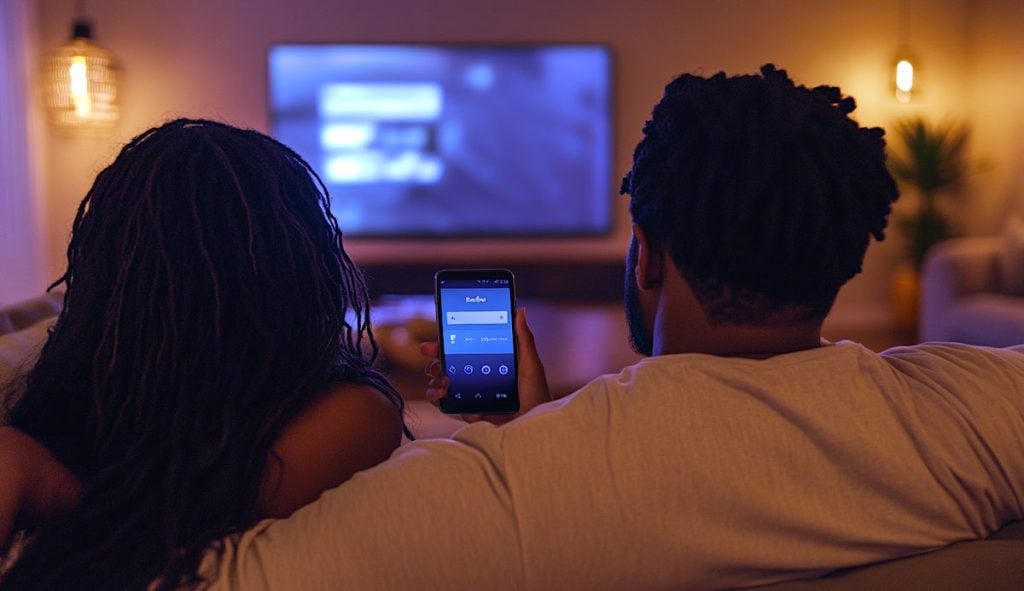
Using your phone too long can make your eyes tired. With screen mirroring, you can enjoy your content from a distance — no more screen-in-the-face glare.
Watch Photos and Videos on a Bigger Screen
Show off that hilarious video or scroll through photo albums with friends and family — all on a larger screen, without the crowding.
Ad-Free with Premium
Unlock Premium to enjoy uninterrupted, ad-free mirroring. Ideal for meetings, presentations, binge sessions — or just peace of mind.
Try It Free
Not ready to upgrade? No problem. The app comes with a free trial so you can explore all the features without commitment. See how it fits into your daily routine, then decide if you want to go premium.
People Also Ask
- Q: Do I need any extra hardware?
- Nope. Just your Android device and a chrome browser connected to the same WiFi.
- Q: Can I try it before I pay?
- Absolutely. A free trial is included so you can test it out first.
- Q: Does it support volume and playback control?
- Yes! You can control volume, mute, pause, skip, and more—right from your phone.
Q: Is it ad-free? - The free version includes ads, but you can remove them by upgrading to a Premium plan.
Safe, Simple, Effective
With no cables, QR codes, or complicated setup, Screen Mirroring, PC, Desk gives you the freedom to go big — in just a few taps.
Download our app now and start mirroring your world.
Read more:
Chromecast vs Firestick: Which Streaming Device is Best in 2025?