


TLDR;
The Universal TV Remote Control iPhone App lets you manage all your smart TVs and streaming devices from one place—no extra remotes or hardware required. Compatible with Samsung, LG, Roku, Fire TV, Sony, and more, this app connects via Wi-Fi and turns your iPhone into a smart remote control. Enjoy quick setup, voice commands, screen mirroring, and smart shortcuts for Netflix, YouTube, and Disney+. Download the universal TV remote control app for iPhone today and simplify your home entertainment experience.
Tired of playing hide-and-seek with your TV remotes? You’re not alone. Between the remote for your smart TV, streaming stick, soundbar, and maybe even your cable box, it’s easy to feel like you’re managing mission control just to watch Netflix.
The Ultimate App to Simplify Your Viewing Experience
Our Universal TV Remote Control for iPhone puts all your devices under one roof—streamlining your entertainment system with a few taps on your iPhone or iPad. Say goodbye to clutter and hello to control that just makes sense.

What Is the Universal TV Remote Control App for iPhone?
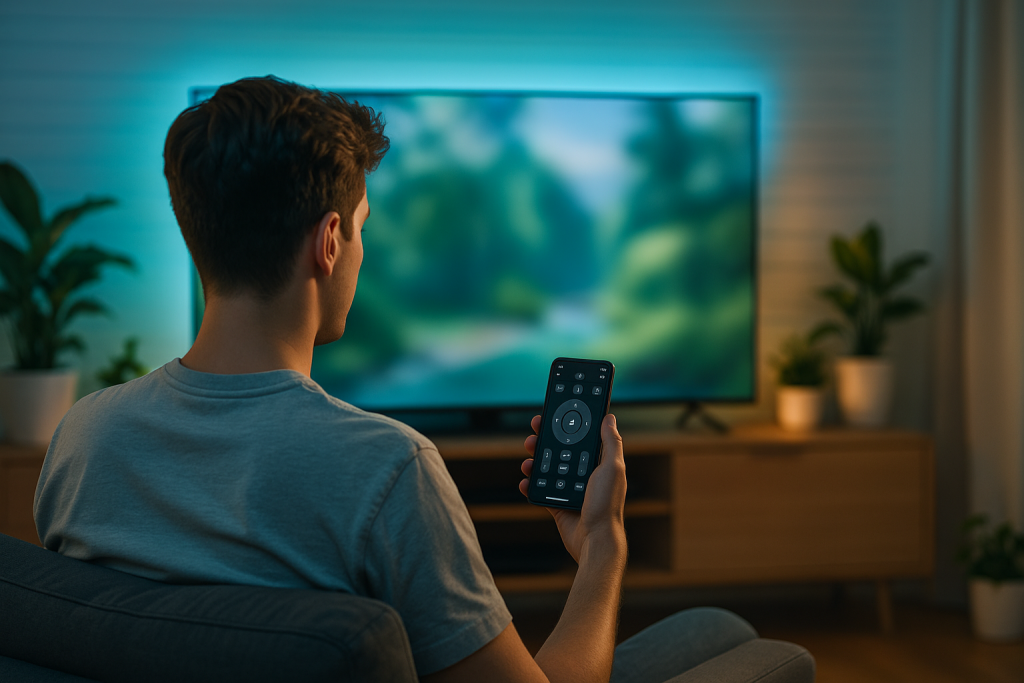
Let’s be real: hunting down your remote is an outdated ritual. With our Universal TV Remote app, your iPhone becomes the only remote you’ll ever need. It’s sleek, smart, and always by your side.
Compatible with the biggest names in home entertainment— Samsung, LG, Roku, Sony, Panasonic, Fire TV, and more—the app connects via Wi-Fi to your TV or streaming device. No additional hardware required. If your devices live on the same Wi-Fi network, you’re already halfway to a smarter setup.
Top Features That Make This Remote App Stand Out
There are dozens of universal remote apps out there, but not all are created equal. Here’s what sets ours apart:
Broad Compatibility
From brand-new 4K smart TVs to older models still holding strong, our app is designed to work across a wide range of devices—no IR blaster needed.
Voice Control Integration
Skip the typing. Use Siri or in-app voice search to jump to your favorite shows or apps in seconds. It’s like having a personal assistant for your TV.
Smart Shortcuts
Launch your favorite streaming apps—like Netflix, Disney+, or YouTube—directly from the remote interface for faster access.
Screen Mirroring
Mirror your iPhone screen to your TV with ease. Great for sharing photos, videos, or even live-streaming from your camera.
Simple, Hassle-Free Setup
We’ve built this app to get you connected in minutes—no technical knowledge required. Just a few taps, and you’re in charge of your entire setup.
You can find it all in our Universal TV Remote Control App!

How to Set Up a Universal Remote Control App on iPhone
Getting started is ridiculously easy:
- Download the app from the App Store.
- Connect your iPhone and TV to the same Wi-Fi network.
- Select your TV or device from the list shown in the app.
- Complete any on-screen pairing prompts, and you’re ready to go.
No wires, no dongles, no IT degree required.
Tips & Troubleshooting for a Smoother Experience
Even the best tech has its off days. Here’s how to stay on top of things:
- If your TV doesn’t show up in the app, make sure both devices are on the same Wi-Fi network.
- Restart the app or TV if connection issues pop up.
- Still stuck? A quick router reboot can often work wonders.
- And of course—keep your app and TV firmware up to date for optimal performance.
People Also Ask
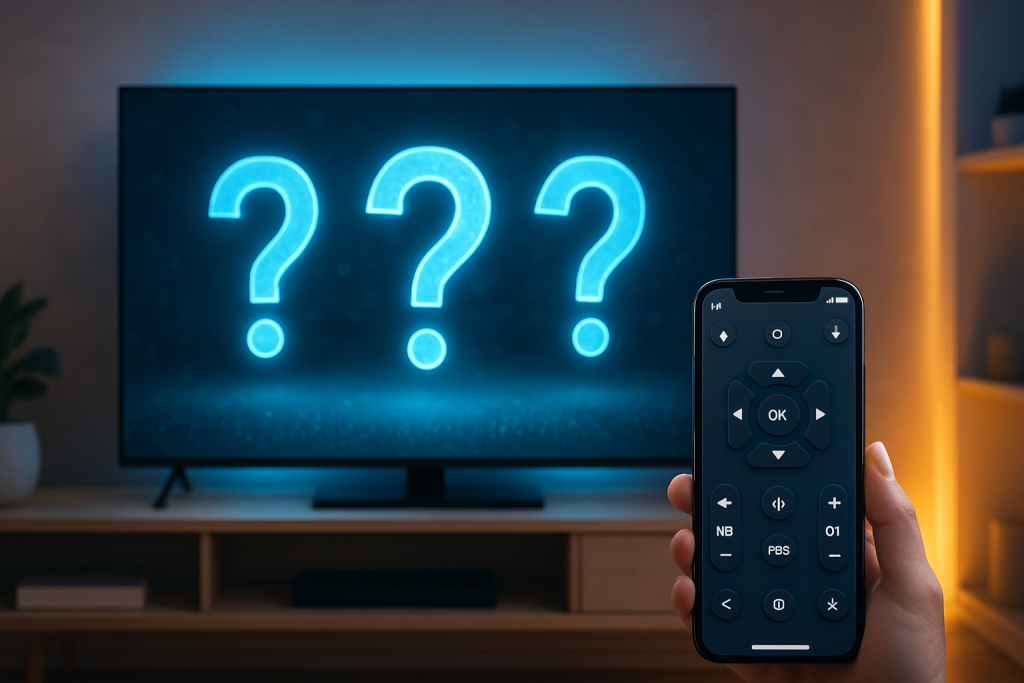
1. Can I use my iPhone as a universal remote?
Absolutely. Once downloaded from the App Store. Our app transforms your iPhone into a powerful remote, with support for power, volume, inputs, app control, and more.
2. Do I need Wi-Fi to use your universal remote app on my iPhone?
Yes. Both your iPhone and the device you’re controlling must be connected to the same Wi-Fi network.
3. Can I control multiple TVs with your app on my iPhone?
You sure can. Just tap to switch between devices—perfect for multi-room setups.
4. Is your app free?
We offer a free version with essential features. For premium tools like mouse navigation or an ad-free experience, in-app upgrades are available.
5. Why won’t my iPhone connect to the TV?
Double-check your Wi-Fi settings, update the app, and make sure your TV supports mobile control. Restarting your devices can also help resolve the issue.
Simplify Your Setup, Amplify Your Experience
The Universal TV Remote Control App isn’t just another utility—it’s a lifestyle upgrade. Whether you’re watching movies, streaming sports, or just flipping through the news, having one remote that does it all changes the game.
Download the app today from the App Store and take back control of your home entertainment—effortlessly, wirelessly, and in style.